
Using a Custom CDN Domain
In live optimization mode, your images and assets will load from *.zapwp.com – which is technically unbranded; however we strongly recommend using your own website’s domain for serving images and scripts.
The most common domain we see is cdn.yoursite.com– and it can be set up simply within the plugin underCDN Deliveryand scrolling toCustom CDN Domain
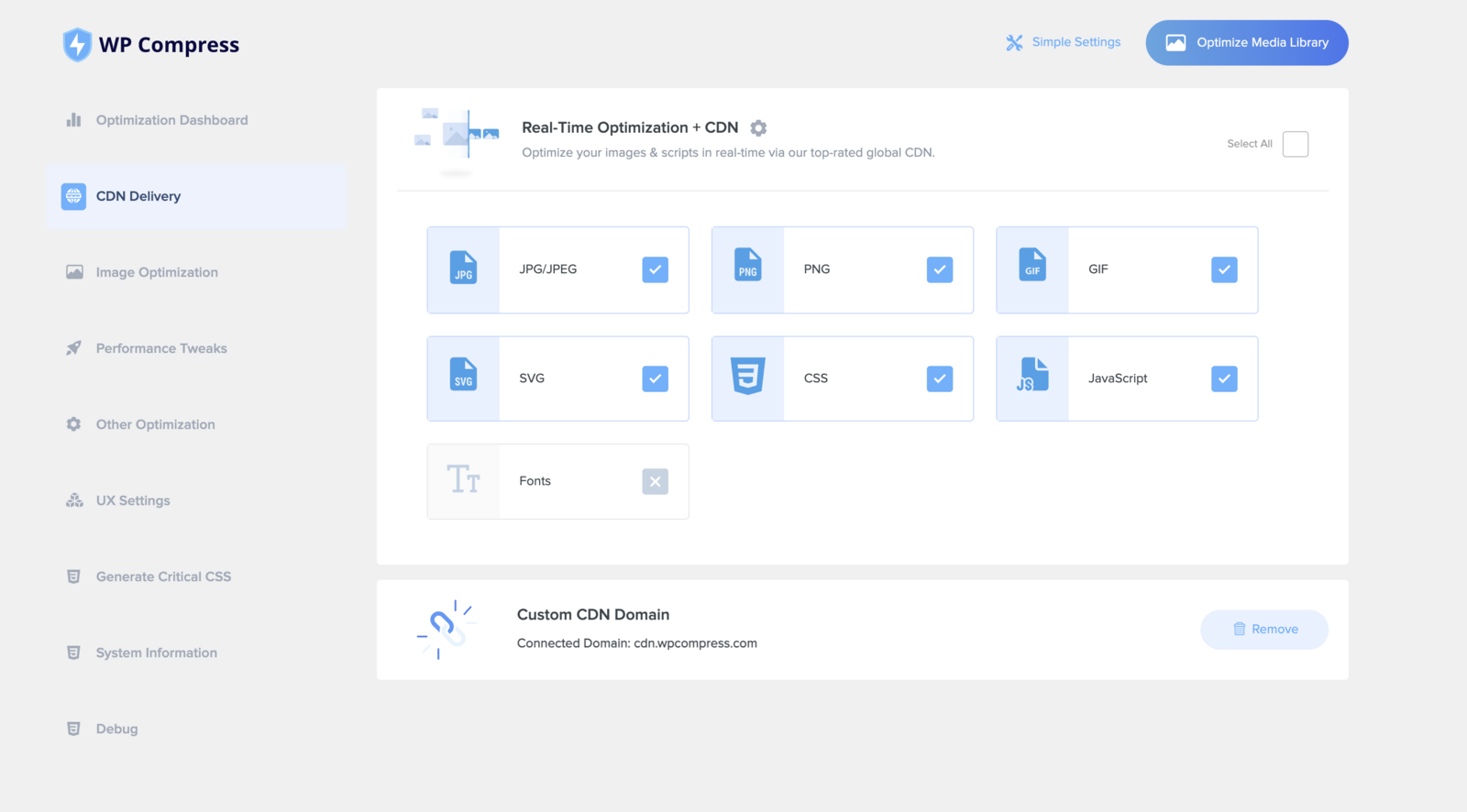
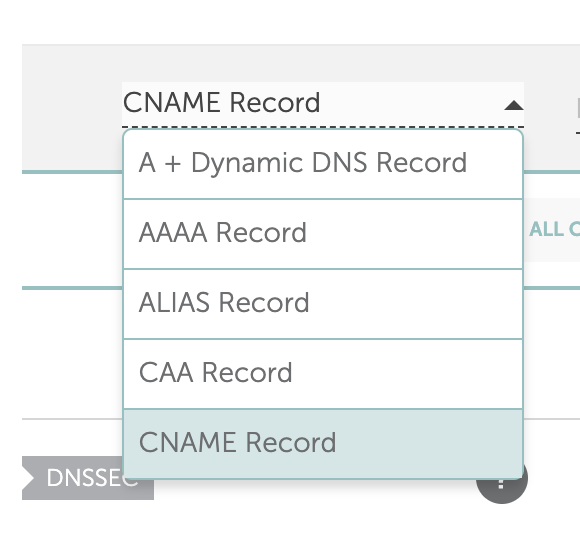
There you can use any domain you own to serve the optimized images and assets by simply creating a subdomain on the domain you wish to use in your DNS or hosting panel, then adding a new CNAME record pointing to the url specified in the plugin.

After the DNS has propogated (can take up to 48 hours globally) you may enter the full domain into the field and hit save – you may then turn on the feature as desired.
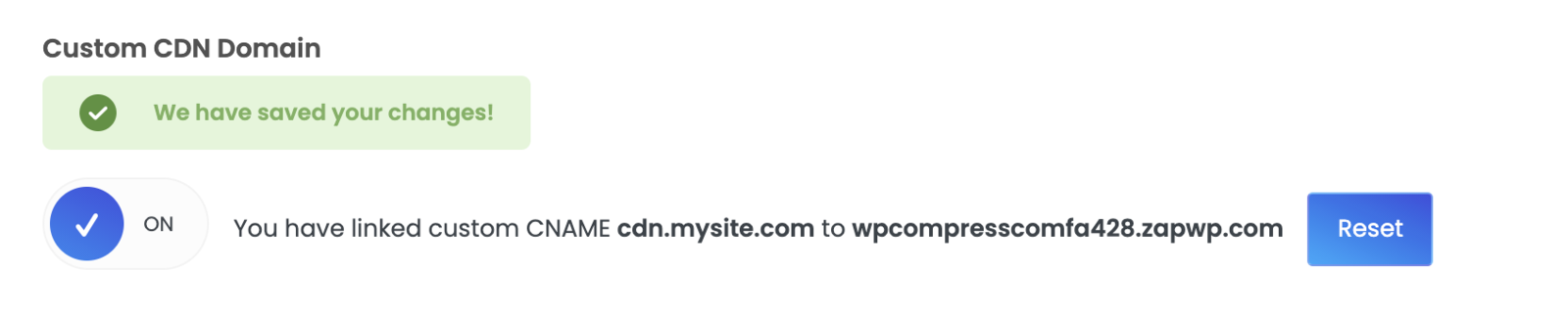
Be sure to test loading your site to confirm the domain has properly propogated and is linked.