Install Instructions for Direct Extension

Articles on: Knowledge Base

Install Instructions for Direct Extension

The Basics

The software is comprised of two parts centralized management portal and a WordPress plugin that you can quickly install on the sites you’d like to optimize!

Login to Portal
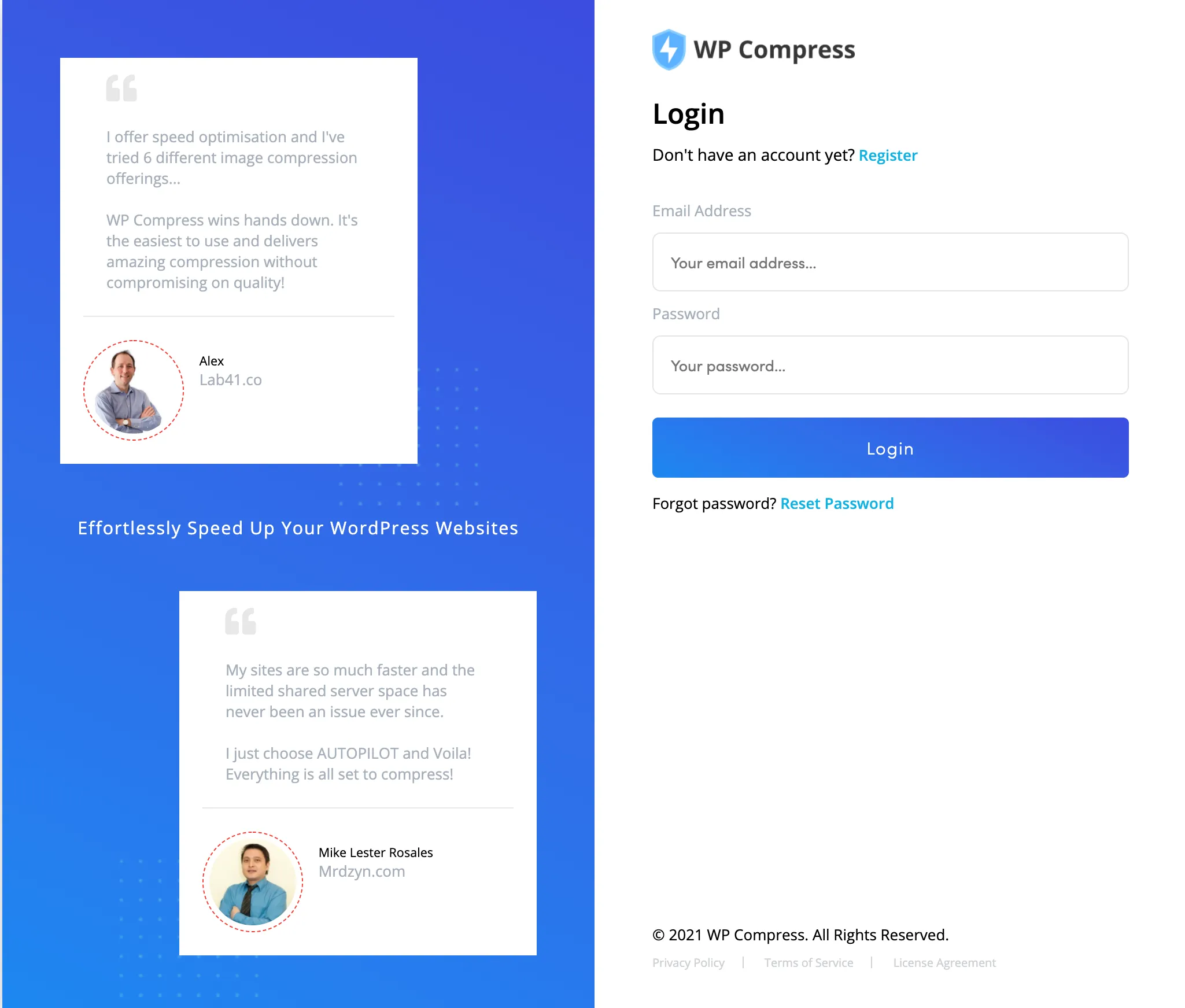
The first place to start is by logging in to the management portal.

Add New Website

In the top right of the portal, click ‘Add New Website’ to start the walkthrough.

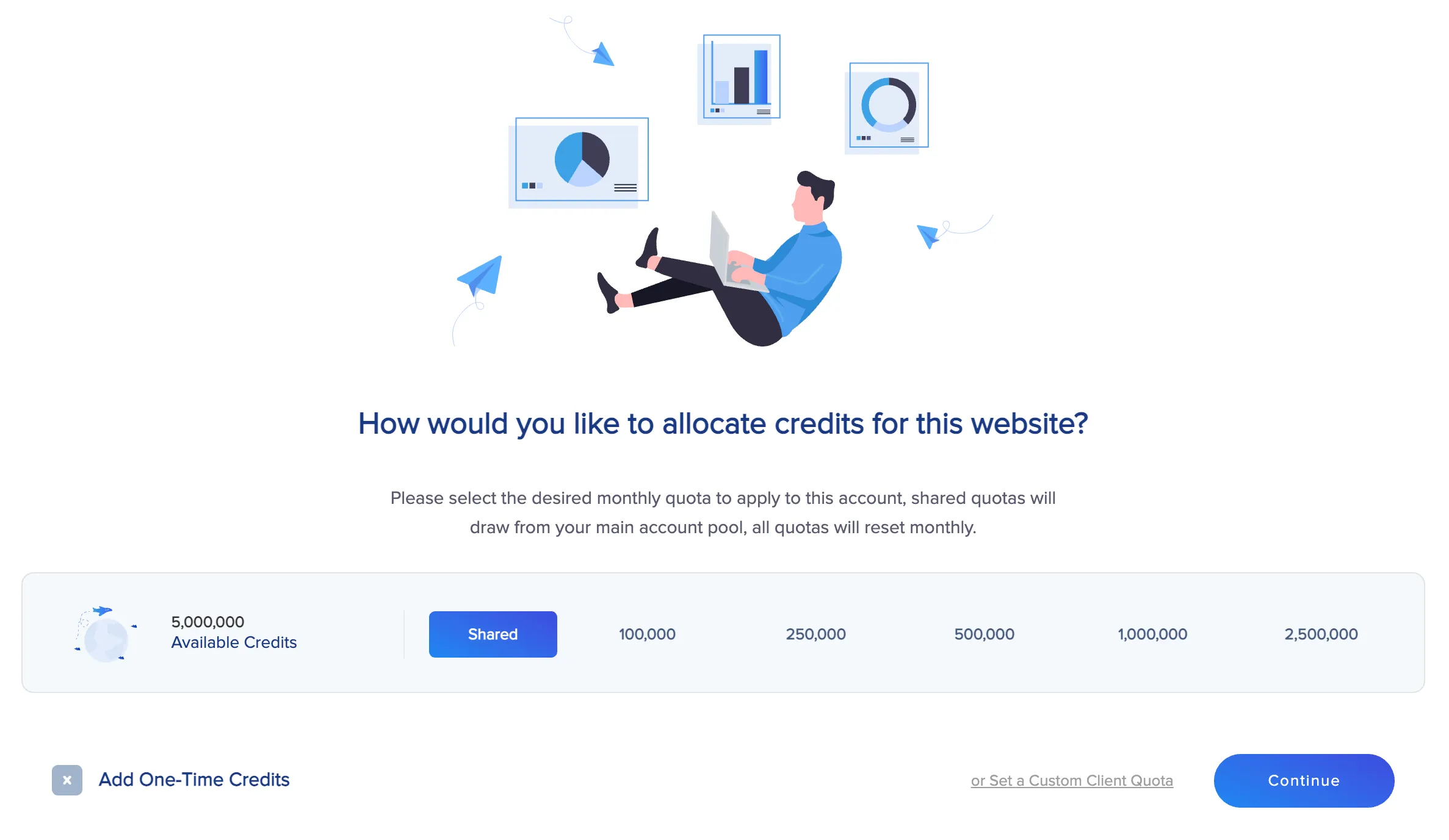
Select Your Quota

We recommend a shared quota for a personal or trusted website, or you may set a monthly quota for a client’s website based on your care plans.

Congrats, You're All Set!

You’re all set up with real-time optimization, now you’re an expert and should be able to set up your next website in just about 60 seconds!

Advanced Configurations

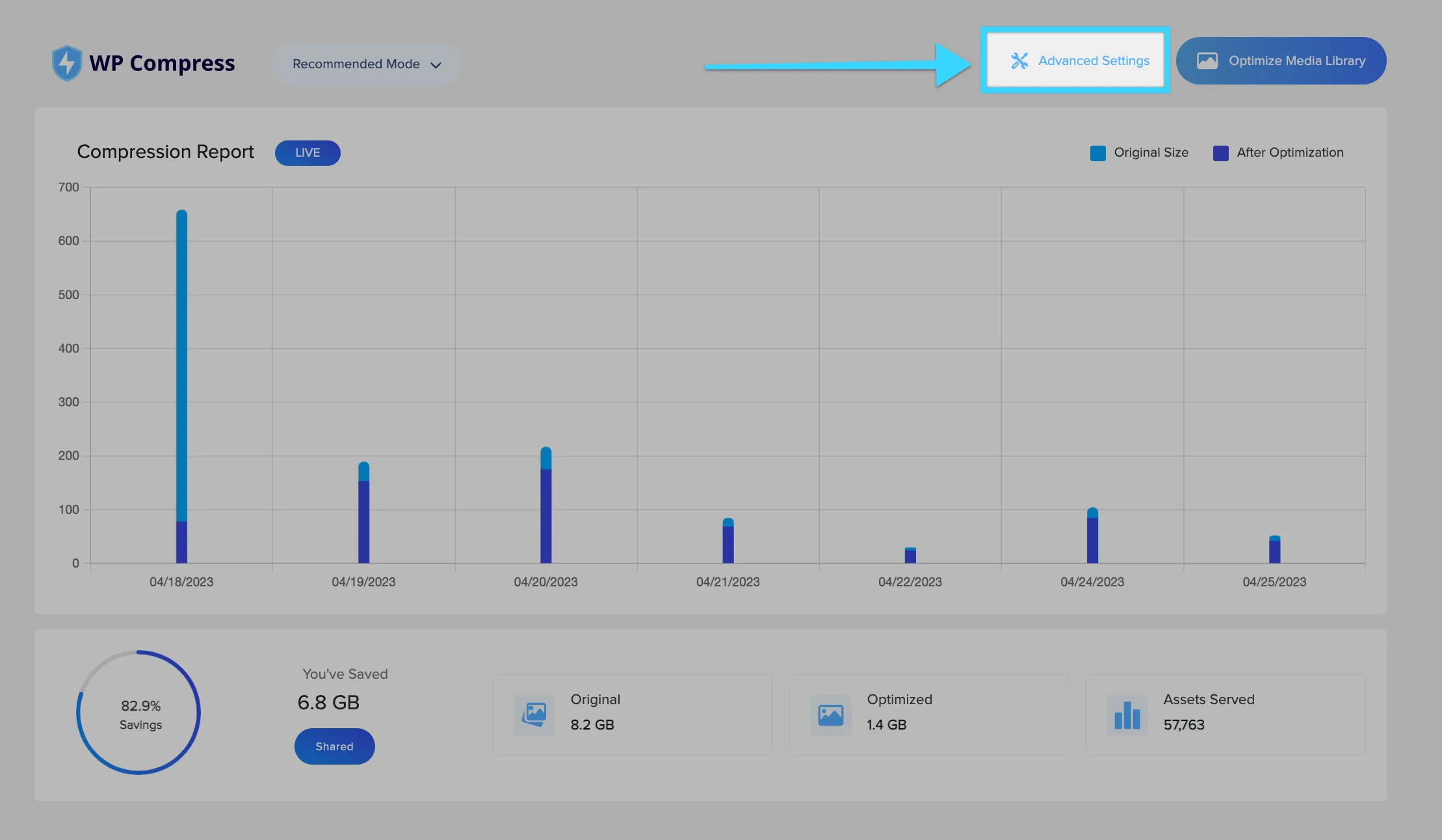
While not required, you may experiment with aggressive mode which includes additional optimizations, or configure other advanced settings.